

Wix Symphony vs AI Automation Tools: What Small Businesses Should Know


JUXTAPOSED TIDES SMART SERIES
An AI agent is a digital helper that may choose which permitted action to take next. Traditional workflow automation is more like a recipe: when one event happens, carry out a defined set of steps. Modern platforms combine these approaches, which is why the right comparison starts with your actual work.
The Next AI Tool Your Competitor Buys May Not Be a Chatbot
A business owner finishes a long day, opens a laptop, and sees a growing list of follow-ups, new inquiries, incomplete invoices, inventory reminders, and customer questions. A few years ago, software could help store each item. Today, the promise is bigger: a digital assistant might notice the work, choose an appropriate next step, and sometimes carry it out. That is an exciting change, but it also creates a new question for every small business: when should you use a coordinated AI agent, and when is a carefully planned automation the more dependable choice?
The names now appearing in business conversations—Symphony by Wix, AI by Zapier, Make AI Agents, and n8n—do not all describe the same kind of product. Some emphasize an agent that understands a business and chooses among tasks. Others emphasize workflows that connect applications, with AI operating inside those workflows. Comparing them only by the phrase 'AI automation' is like deciding between a truck, a delivery service, and a warehouse because all three move boxes. Before choosing, you need to know which part of your business problem each product is designed to address.
First, Understand the Difference Between an Agent and an Automation
A traditional automation follows a set of rules designed in advance. When a customer fills out a form, the system creates a contact record, sends an acknowledgment, and assigns a task. You choose the triggers, conditions, and actions. The process can be very capable, especially when several applications are connected, but it generally follows the paths you deliberately set. For many important business tasks, that predictability is a strength.
An AI agent is designed for situations where software must interpret information and decide what permitted action may be useful next. It might review a request, determine whether more information is needed, choose a suitable tool, prepare a message, or call a connected system. Some agents also coordinate other specialized agents. This flexibility can help when real-life requests do not fit one rigid recipe, but it means the business must pay attention to incorrect interpretations, unexpected actions, access permissions, and the quality of information the agent uses.
The distinction is not absolute. Today's strongest workflows can combine deterministic steps with AI decision-making, and an agent can be restricted to defined actions and approvals. The practical lesson is that automation and agency are design choices, not competing slogans. A company should decide which steps demand strict rules and which might benefit from interpretation before adding intelligence to the process.
Symphony by Wix: A Coordinated Team of Business Agents
Wix announced Symphony by Wix in August 2026 as a standalone multi-agent system intended to help independent businesses manage work across different functions. Wix describes an orchestrator that coordinates specialized agents and uses business context to identify useful next steps. The stated ambition is broader than building a website or responding to one customer message: it is to help the owner manage an expanding collection of tasks and decisions.
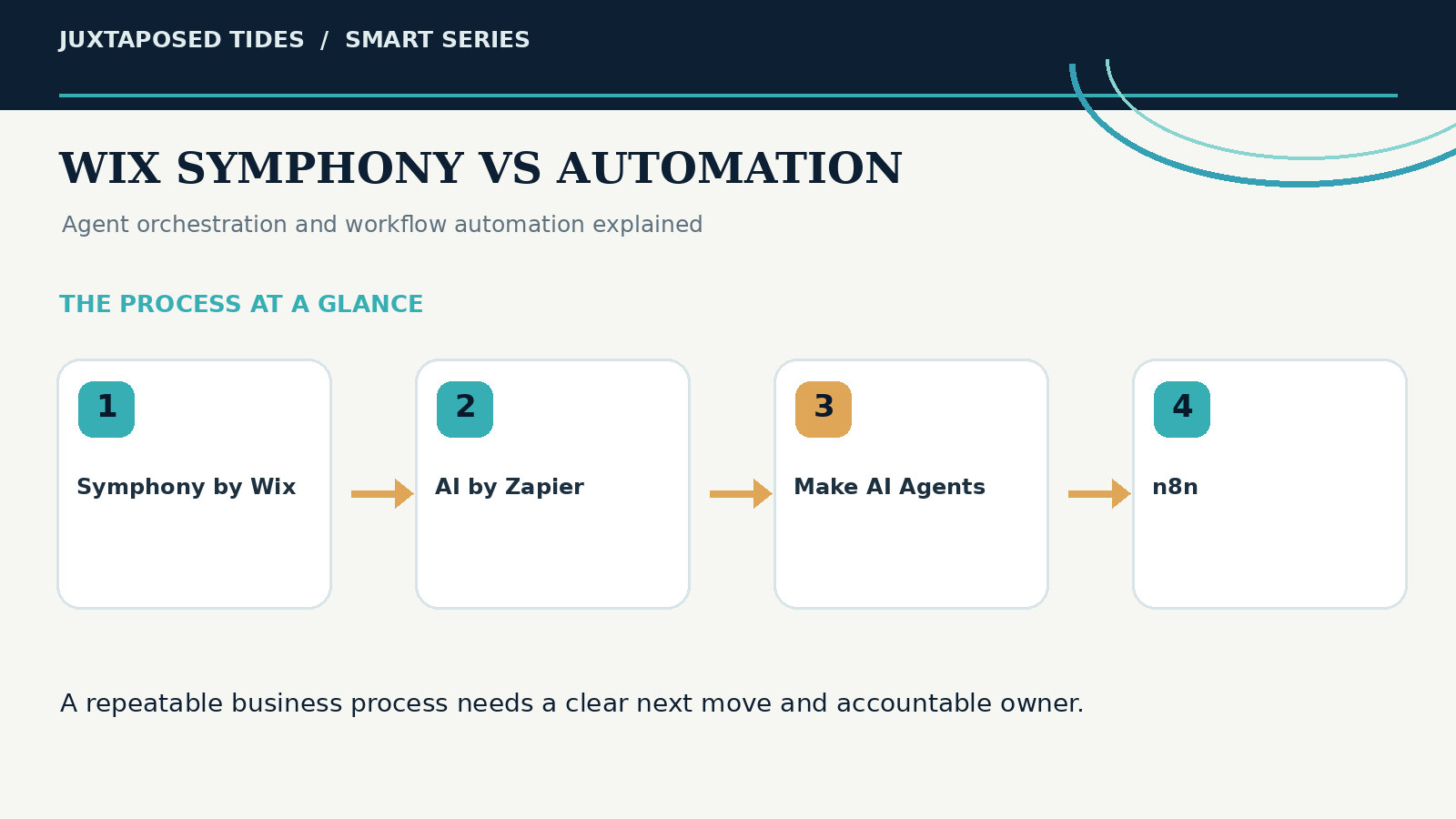
A visual guide to the key stages and responsibilities discussed in this article.
Consider an owner who needs to follow up with a prospective customer, review an upcoming event opportunity, and prepare for a busy weekend. A coordinated system could potentially support research, outreach, scheduling, and related business actions within the capabilities and permissions available to that particular user. The important questions are what the platform can actually access, which tasks are available in the current rollout, which recommendations require approval, and how the owner checks what happened. Product marketing explains a direction; the business should verify the features available in its own account before building a process around them.
A particularly important October 15 announcement involved Link, built by Stripe. Wix described a purchasing workflow in which a Symphony agent requests payment approval, the owner approves a specific transaction, and a single-use payment credential is used instead of exposing the underlying card information to the agent. The announcement matters because it shows agents moving from advice toward approved financial action. It does not mean a business should give any agent unrestricted purchasing authority. The described purchasing flow depends on specific approvals and rollout conditions, including access for qualifying U.S. Link users.
AI by Zapier: Put Reasoning Inside a Defined Workflow
Zapier took a different approach in October 2026 by moving capabilities formerly offered in its standalone Zapier Agents product into AI by Zapier steps inside the Zap editor. This gives a business a way to place reasoning and tool use among ordinary triggers, filters, conditions, and actions. The result can be especially useful when the company already knows the workflow it wants to operate and needs one flexible step inside that process.
Imagine that an inquiry arrives through a website form. A Zap can reliably create a task and preserve the customer's details, while an AI step reviews the inquiry and suggests whether the customer needs a service estimate, a booking link, or a human conversation. Another step can route the draft for approval before sending anything consequential. Zapier documents per-tool approvals and task-based pricing, so a business should examine both the controls and the number of tasks a workflow may consume. An impressive demo is not enough if the process costs more than the value it produces.
The 2026 migration also matters for older tutorials. A video explaining how to build a Zapier Agent through the previous standalone interface may no longer match the current recommended setup. Readers should begin with Zapier's current documentation and check account-specific availability before following a step-by-step guide created earlier in the year.
Make AI Agents: Flexible Agents Within Visual Scenarios
Make is known for visual workflows called scenarios. Its AI Agents offering brings adaptive AI decisions into that environment, with reusable agents and tools that can work across multiple scenarios. This may suit a business that already uses Make to connect applications and wants to introduce reasoning at selected points without making every step an open-ended agent decision.
A company might use a Make scenario to receive order information, verify that the required fields exist, and then ask an agent to categorize a complex request or prepare a response for review. The same company may decide that payment reconciliation, inventory updates, and notifications should remain deterministic because the business needs exact, repeatable behavior. The right choice depends on the available integrations, how much technical maintenance the owner can tolerate, and whether somebody understands the workflow when it fails. Make's official guidance currently describes AI Agents as available on paid plans, but pricing and feature limits should be confirmed when a project is launched.
n8n: Flexible Control for Teams Ready to Own More of the Setup
n8n is another workflow automation platform that supports AI capabilities alongside conventional integrations. It provides options for a managed cloud service and self-hosting, and its documentation describes agent-building capabilities in current releases. This flexibility can appeal to teams that want deeper control over hosting, integrations, credentials, or specialized workflows.
Control also creates responsibility. Self-hosting is not automatically cheaper or safer simply because the software runs on infrastructure you manage. Someone must maintain updates, backups, credentials, logs, access rules, and incident recovery. A small company with no technical support may do better using a managed service even when a self-hosted demonstration appears appealing. A technically experienced team, by contrast, may value the ability to connect unusual internal systems and design detailed approval boundaries. Neither route is universally correct.
What Your Competitors Might Be Doing—and What That Actually Means
It is reasonable to suspect that other companies in your market are experimenting with AI-assisted inquiries, appointment reminders, lead qualification, content drafts, invoice follow-up, and internal task routing. Those capabilities are increasingly visible in mainstream business tools. But a product existing is not proof that a particular competitor has installed it, configured it well, or earned a financial return. A serious business owner should distinguish the available technology from verified competitor behavior.
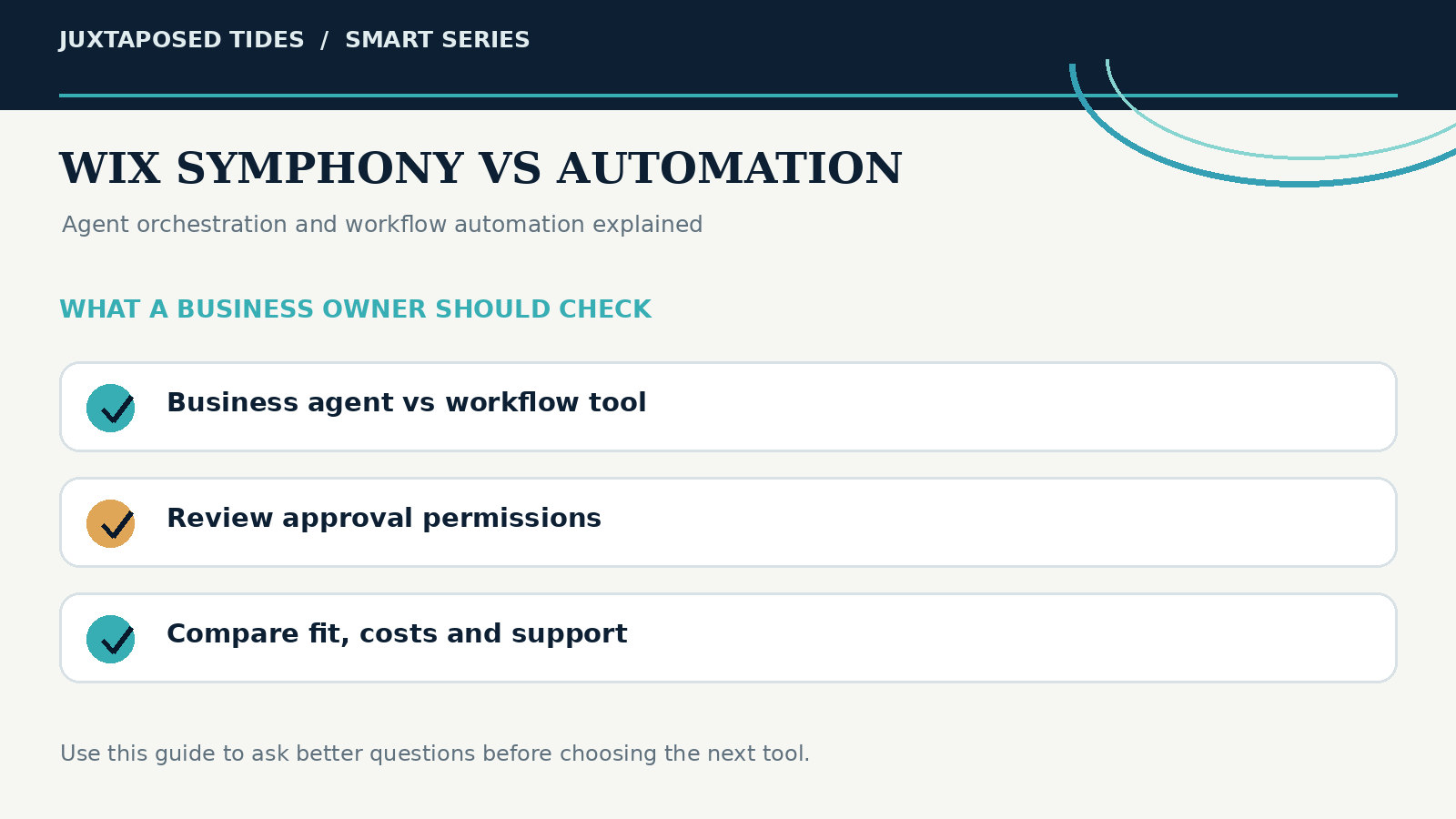
A practical review of the decisions and safeguards that make this process dependable.
The more useful competitive question is whether your customers are receiving a better experience elsewhere. Are their questions answered sooner? Can they schedule without confusion? Do they receive a clear estimate and useful updates? Do customers have to repeat themselves whenever a different employee handles the work? Your competitors may achieve those improvements through AI agents, ordinary automations, better-written procedures, or attentive staff. The customer ultimately experiences the result, not the logo on the software subscription.
Compare the Tools Using Seven Practical Questions
Begin with the problem, not a vendor name. Write down the task you want the software to complete and what a successful result looks like. Then ask where the relevant information lives, which applications must be connected, how the system determines what to do next, and which decisions need human sign-off. Consider whether the tool provides understandable logs and recovery options when it makes a mistake. Finally, calculate the full cost, including subscriptions, task usage, setup, supervision, and ongoing maintenance.
For a business that is starting from scratch, the simplest useful workflow may be a website form, an automated acknowledgment, and a clearly assigned human response. That system can be genuinely better than a complicated agent that occasionally sends the wrong information. For a company already handling large volumes of varied requests, a controlled AI step may be worth testing. For a company that needs coordination across many business functions, an agent-oriented system may offer a broader possibility. The level of complexity should follow a demonstrated business need.
A Beginner-Friendly Pilot: One Task, One Owner, One Review
Choose a routine, low-risk process that regularly consumes time. Examples include categorizing incoming inquiries, drafting answers to common customer questions, summarizing support conversations, or organizing internal research. Document what should happen, what information is needed, and what the software is never allowed to do. Keep sensitive actions such as spending money, modifying payment details, deleting records, or making binding customer promises behind an appropriate approval process.
Test a manageable number of representative cases, including a few that are incomplete, confusing, or unusual. Measure how many outputs were useful, how often a human had to correct them, what work was truly saved, and which errors could have harmed customers or the business. If a proposed agent performs poorly, redesign the workflow or stop the pilot rather than assuming that another fashionable platform will automatically solve the problem. A pilot is useful precisely because it permits a company to learn before giving the system greater authority.
The Juxtaposed Tides View: Build the Business Logic Before Buying the Agent
At Juxtaposed Tides, the central principle remains the same whether a business is choosing a starter website, a CRM, a custom application, or an AI agent: understand the job and the people involved before buying the machinery. The tools may now be more powerful, but they cannot replace the decision about what your company promises, who is responsible, how exceptions are handled, and how you will know the work is correct.
Wix Symphony, AI by Zapier, Make AI Agents, and n8n are not four interchangeable answers to one question. They offer different approaches to orchestration, automation, flexibility, and control. The best next move is to map one real workflow, select a tool appropriate to that workflow and your team's abilities, and test it with clear safeguards. Your business does not need the loudest agent announcement of the month. It needs a dependable system that helps you take better care of the people who trust you.
Further Reading and Original Research
These independent resources are provided so you can explore the evidence and check important recommendations for yourself.
Continue With Juxtaposed Tides


Comments