

Third-Party Vendor Risk for Small Business: Protect Your Extended Systems

JUXTAPOSED TIDES SMART SERIES
SaaS stands for software as a service. It usually means an online tool you rent through a subscription, such as booking software, accounting, or an email platform. The convenience is real, but your business depends on the provider's security, availability, and access decisions.
Your Business Extends Beyond Your Employees
A modern small business may rely on dozens of outside parties: website platforms, cloud storage, payment processors, CRMs, accountants, developers, marketing agencies, virtual assistants, managed service providers, AI tools, plugins, analytics, and automation connectors. These relationships create speed and capability, but they also expand the trust boundary.
Third-party vendor risk for small business is the risk introduced when another organization or individual can access your systems, data, customers, brand, money, or operations. You remain responsible for choosing the vendor, configuring the service, limiting access, monitoring the relationship, and preparing for failure. A vendor’s security page does not replace your due diligence.
Classify Vendors by Consequence
Do not review every office-supply vendor like a payment processor. Classify vendors according to what they can affect. Critical: failure stops revenue or core operations Sensitive: access to customer, employee, financial, health, legal, or confidential data Privileged: administrative or remote access to systems Public-facing: can communicate or publish as the brand Transactional: can move, receive, refund, or redirect money
Replaceable: low-impact service with limited access and easy exit The highest-consequence vendors deserve deeper review, stronger contracts, limited permissions, tested exit plans, and active monitoring.
Ask the Questions That Matter
Ownership and Access
Who owns the account? Does the business control the master administrator, billing, domain, data export, and recovery methods? Can the vendor create additional users? Are individual accounts and MFA supported? Are actions logged?
Data
What data does the vendor receive, generate, infer, or store? Where is it processed? Which subprocessors are involved? Is it used for advertising or model training? How is it encrypted? How long is it retained? How is it deleted and exported?
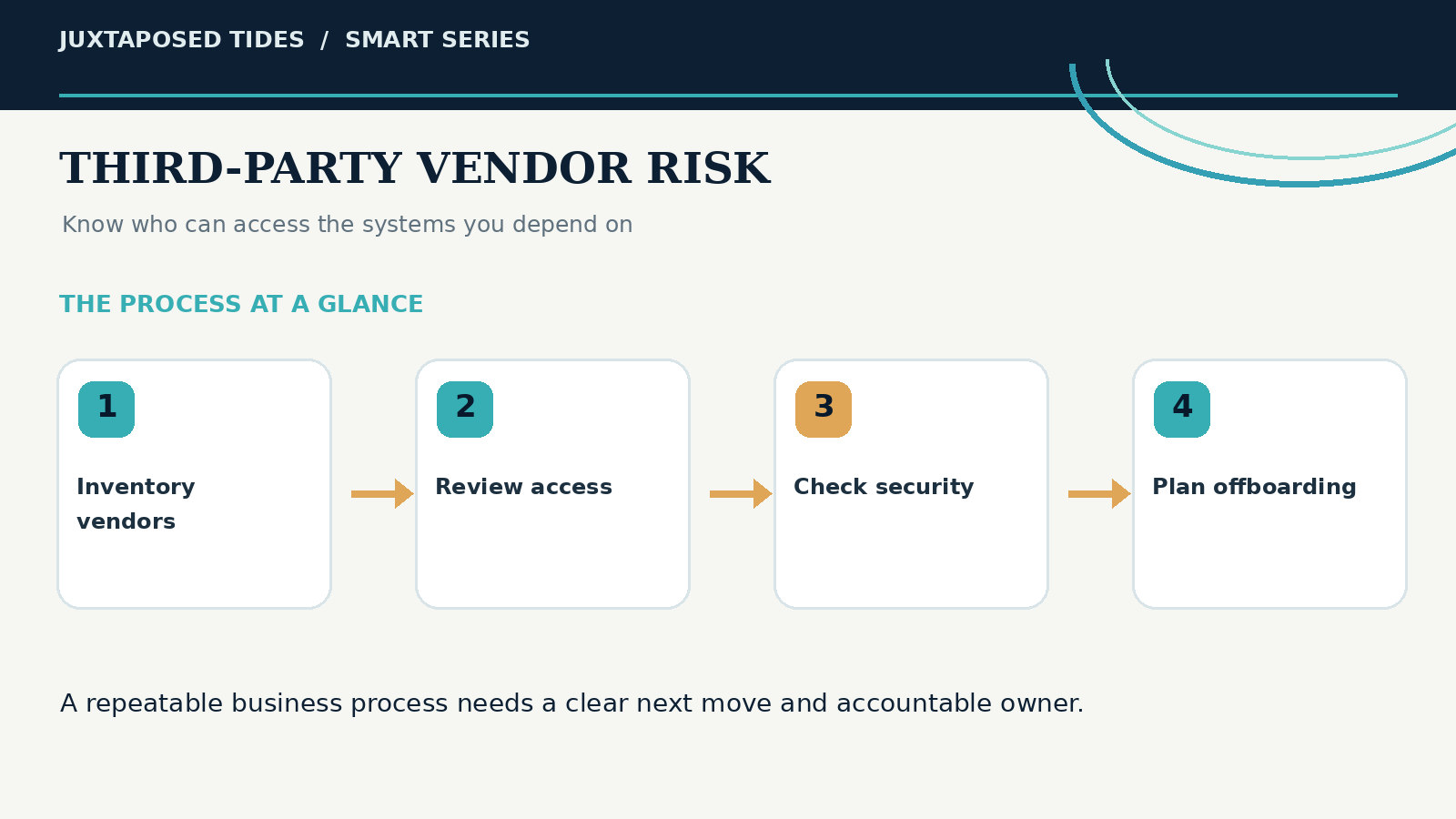
A visual guide to the key stages and responsibilities discussed in this article.
Security Operations
How are vulnerabilities, updates, backups, logging, and incident response handled? What security documentation or independent assessments are available? How quickly will the business be notified of an incident? What support is available during an outage or compromise?
Business Continuity
What happens if the vendor raises prices, changes features, is acquired, loses a key integration, suffers an outage, or shuts down? Can the business operate manually? Are exports usable? How long would migration take?
Contract and Responsibility
Who is responsible for configuration, user management, backups, compliance, and breach notification? What service levels, limitations, insurance, indemnity, termination, and data-return terms apply? Legal review may be appropriate for critical relationships.
Contractors Need Designed Access
A contractor may need access to the website, CRM, analytics, advertising, social media, files, code, or payment systems. Create a role instead of sharing the owner account. Limit access to the project, environment, data, and time period required. Use company-controlled credentials and MFA. Document which files may be downloaded or stored locally.
Offboarding should revoke accounts, tokens, API keys, shared links, devices, repositories, and password-vault access. Transfer ownership of files, automations, domains, campaigns, dashboards, code, and documentation before the relationship ends.
Integrations Create Invisible Vendor Chains
A CRM may connect to a form platform, automation service, spreadsheet, email provider, AI assistant, and reporting dashboard. One customer submission may travel through six companies. Map these flows. Review OAuth permissions and API tokens. Remove abandoned connections. Use service accounts and least privilege where supported.
When an integration fails, define which system is the source of truth and how missed records are detected. The workflow lessons in Stop Making Panic Decisions apply directly: adding tools without a system creates hidden operational debt.
Use Secure-by-Design Purchasing Criteria
CISA encourages buyers to choose technologies that are secure by design and verifiable. For small businesses, practical purchasing criteria include MFA, role-based access, audit logs, secure defaults, automatic updates, data export, incident transparency, backup and recovery, configuration guidance, and responsive support.
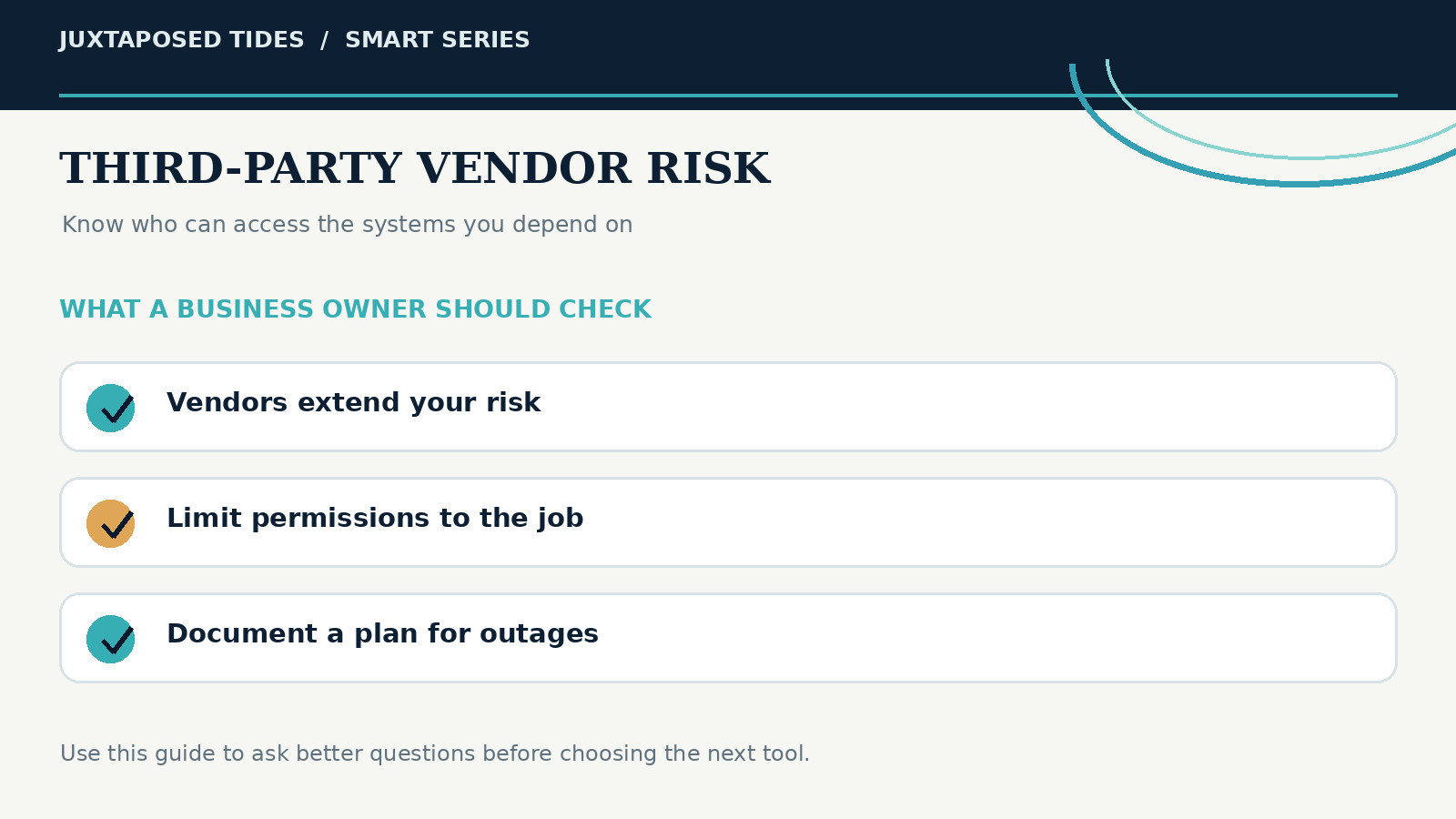
A practical review of the decisions and safeguards that make this process dependable.
Do not let one attractive feature outweigh fundamental weaknesses. A vendor that cannot explain ownership, access, data, recovery, and exit should not control a critical function.
Monitor Vendors After Purchase
Due diligence is not finished at signup. Schedule reviews based on risk. Confirm users, roles, and integrations Review security and privacy notices Track product changes and deprecations Test exports and backups Review invoices and plan changes Confirm incident contacts Assess whether the vendor is still necessary Update the risk classification when the business stores new data or adds new workflows Maintain a vendor register with owner, purpose, data, access, contract date, renewal date, risk level, backup method, and exit plan.
Prepare for Vendor Failure
For each critical vendor, define the failure mode and fallback. If the booking platform is offline, can customers call? If the CRM is unavailable, where are the active opportunities? If the payment processor freezes payouts, how does the business reconcile and communicate? If the website provider is compromised, who controls the domain and clean content?
Business continuity is not the same as duplicating every system. It means protecting essential data, ownership, communication, and decision paths. Vendor rule: Outsource the service, not the responsibility to understand what the service can do to your business.
A Third-Party Vendor Risk Scorecard
Score critical vendors from one to five on: Business criticality Data sensitivity Privilege level Security controls Transparency and documentation Integration complexity Data portability Backup and recovery Incident notification Support and reliability Contract clarity Exit difficulty A high-feature, low-portability vendor with broad permissions and weak support may create more risk than value. Compare the scorecard with the platform decision framework in Choosing the Right Website Platform for Your Business.
Control the Extended Stack
The small business does not need to eliminate vendors. It needs to know which vendors matter, what they can access, how they are configured, who owns the relationship, how they are monitored, and how the business leaves. Third-party risk becomes manageable when invisible dependencies become documented decisions.
Further Reading and Original Research
These independent resources are provided so you can explore the evidence and check important recommendations for yourself.
Continue With Juxtaposed Tides


Comments