

Small Business Incident Response Plan: The First 72 Hours


JUXTAPOSED TIDES SMART SERIES
A cybersecurity incident might be a stolen password, a fraudulent payment instruction, a ransomware infection, or a data exposure. A response plan cannot promise that problems will never happen; it tells your team who can make urgent decisions, whom to contact, and which records to preserve when they do.
An Incident Plan Is a Decision Map
A small business incident response plan does not need to imitate a federal agency. It needs to make the first decisions faster, safer, and more consistent. When an email account is compromised, money is redirected, a laptop is stolen, a website is defaced, customer data is exposed, or ransomware appears, confusion creates additional damage.
The plan should answer: Who is in charge? What must be contained first? Which evidence must be preserved? Which vendors, banks, insurers, legal advisers, or authorities should be contacted? How will the business communicate? What is the clean recovery path? Which decisions require executive approval?
NIST SP 800-61 Revision 3 integrates incident response across the full Cybersecurity Framework rather than treating response as an isolated emergency. That is the right small-business mindset: preparation, protection, detection, response, and recovery are connected.
Define Incident Categories
Not every problem requires the same response. Create categories such as: Identity: compromised email, admin, social, banking, or cloud account Financial: fraudulent transfer, invoice redirection, refund abuse, payout change Data: unauthorized access, disclosure, loss, or incorrect sharing Website: defacement, malware, redirect, takeover, outage, form compromise Device: theft, loss, malware, ransomware, unauthorized remote access
Vendor: SaaS outage, vendor breach, integration compromise, support-account takeover Brand: fake domain, social account, ad, support number, or executive impersonation Assign severity based on business impact, data sensitivity, scope, money movement, operational disruption, and customer harm.
Build the Response Team Before the Incident
Even a one-person company has a response network. Identify: Incident lead and backup decision-maker Technical provider or internal administrator Website, email, payment, cloud, and software support contacts Bank and payment-processor fraud contacts Cyber insurer and breach-response hotline, if applicable Legal counsel for notification and contractual questions Communications owner Law-enforcement and reporting resources
Store the list somewhere accessible when primary systems are unavailable. Include account IDs, support plans, policy numbers, domain records, and escalation instructions without exposing passwords.
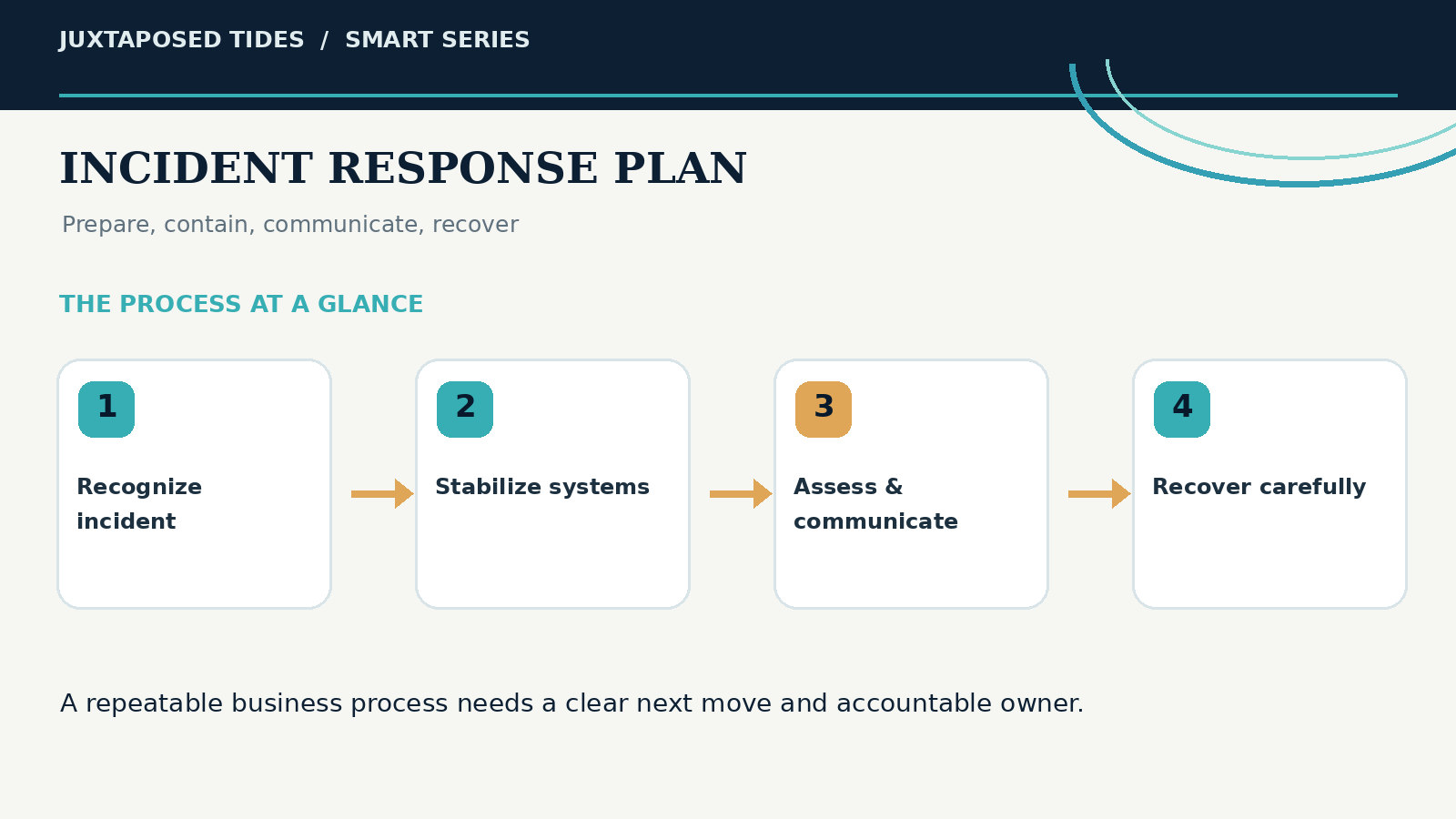
A visual guide to the key stages and responsibilities discussed in this article.
The First Hour: Stabilize and Preserve
Confirm the signal. Identify what was observed without assuming the full cause. Name the incident lead. One person coordinates actions and records decisions. Protect safety and money. Contact financial institutions immediately for suspected fraud. Disconnect affected devices from networks when appropriate. Contain access. Revoke sessions, disable accounts, rotate credentials, block malicious rules or integrations, and protect privileged accounts using a clean device.
Preserve evidence. Save messages, headers, screenshots, logs, URLs, account names, timestamps, transaction details, and affected devices. Do not destroy evidence through unnecessary wiping. Open an incident log. Record who did what, when, why, and with what result. Containment should be deliberate. Shutting down every system may destroy evidence or stop the business unnecessarily. Seek technical guidance for complex events.
Hours 1–8: Determine Scope and Dependencies
Identify affected accounts, systems, users, data, transactions, customers, devices, and vendors. Review authentication logs, admin changes, forwarding rules, new users, API tokens, recent deployments, payment changes, and suspicious exports. Search for the same credentials or recovery methods across connected systems.
Ask whether the attacker still has access, whether data left the environment, whether money moved, whether customers are being targeted, and whether clean backups exist. Escalate to the relevant provider. If a vendor is involved, request incident details and preservation of logs.
Hours 8–24: Communicate With Purpose
Communication should be accurate, timely, and controlled. Internal staff need instructions about what systems to avoid, what requests to distrust, how to report suspicious activity, and which temporary process to use. Customers or partners may need notification depending on impact, contracts, law, and risk.
Do not speculate, minimize, or make absolute promises. State what is known, what is being done, what the recipient should do, and when another update will be provided. Use verified channels. Coordinate legal and insurance requirements where applicable. If the brand is being impersonated, publish official verification information. If email is compromised, do not rely exclusively on that email to warn people.
Hours 24–72: Eradicate and Recover
Remove malicious accounts, rules, code, software, tokens, and persistence mechanisms. Patch the vulnerability or correct the configuration that allowed entry. Reset credentials in a planned order, beginning with identity providers, email, domain, hosting, password vaults, financial systems, and privileged accounts.
Restore from known-clean backups. Validate systems before returning them to normal use. Monitor closely for renewed access. Reconcile transactions and customer records. Confirm that forms, automations, integrations, and notifications work correctly after recovery.
Recovery is not complete when the website loads. The business must confirm identity, data, money, communication, and workflow integrity.
Notification and Reporting
Legal and contractual notification duties vary. The business may need counsel, insurers, regulators, customers, employees, partners, or law enforcement. Do not assume a small incident is exempt. Maintain records of what information was involved, when the event occurred, when it was discovered, actions taken, and communication decisions.
Report business email compromise and internet-enabled financial fraud to the FBI’s IC3 and contact the financial institution immediately. Report scams to the FTC. Follow provider-specific abuse and incident channels for domains, social accounts, hosting, email, and payment platforms.
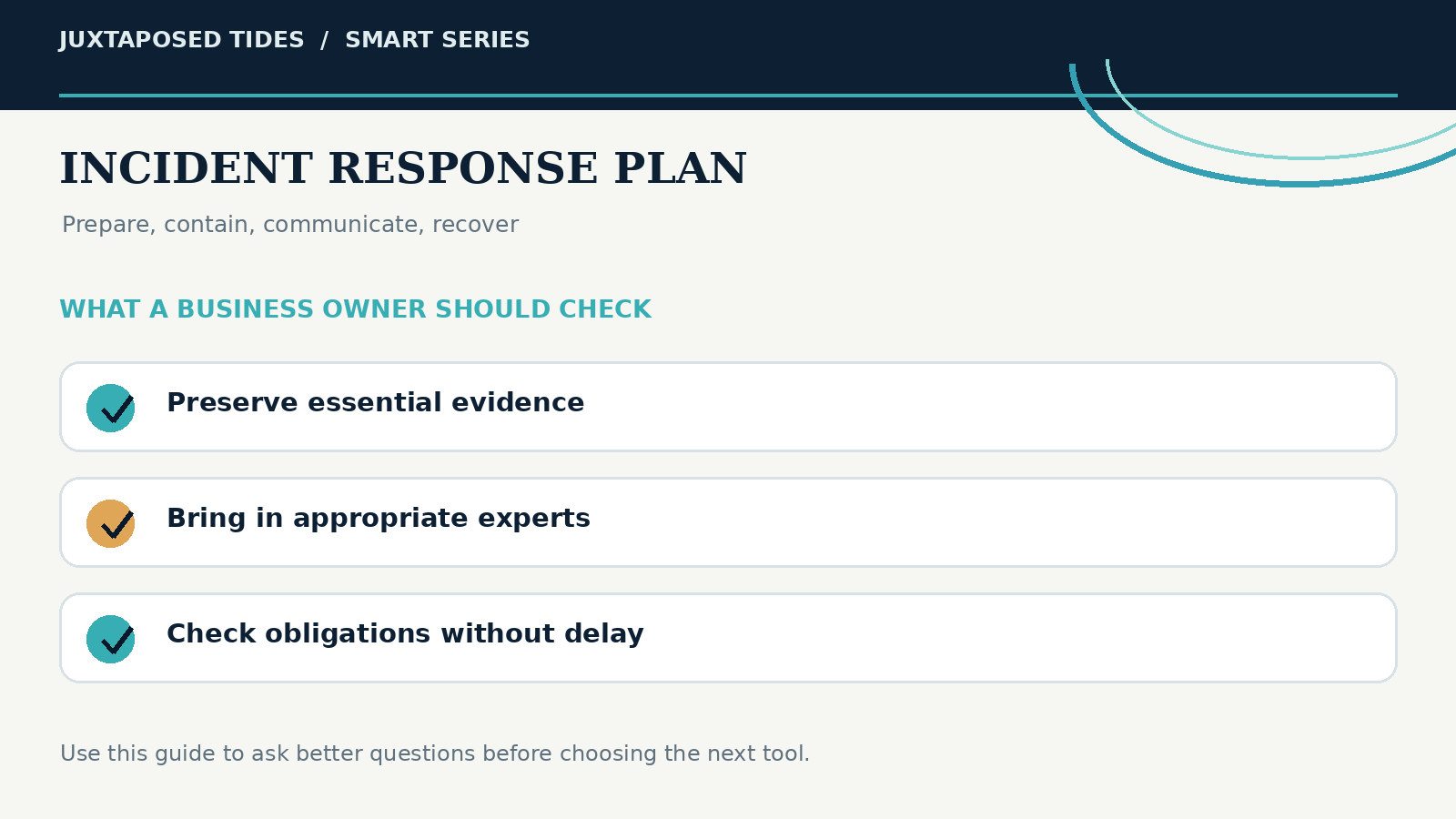
A practical review of the decisions and safeguards that make this process dependable.
Use Clean Recovery Priorities
Restore systems in business order: Identity and administrative control Banking, payment, and financial visibility Customer communication Core delivery and operations Website, forms, booking, and sales paths Analytics, marketing, and lower-priority tools Do not reconnect a compromised integration simply because it is convenient. Reauthorize deliberately and limit permissions.
After the Incident: Fix the System, Not Only the Symptom
Conduct a short lessons-learned review. Identify root causes, contributing process failures, missed signals, access problems, vendor gaps, communication issues, and recovery delays. Assign actions, owners, and deadlines. Examples include enabling MFA, removing shared accounts, changing payment approval, reducing data retention, replacing unsupported software, improving backups, adding monitoring, revising vendor contracts, or training staff on a specific workflow.
Response maturity: An incident becomes useful only when the business converts the experience into a stronger operating system.
Run a Tabletop Exercise
Twice a year, gather the relevant people and walk through a scenario: the owner’s email is compromised, a vendor bank account changes, the website redirects to a fake checkout, or a laptop with customer files is stolen. Do not test technical skill alone. Test decisions, contacts, authority, communication, backups, and dependencies.
Record what nobody knew and what information was hard to find. Update the plan. A 45-minute exercise can expose more practical weakness than another security subscription.
The One-Page Incident Card
Create a concise card containing: Incident lead and backup Emergency technical, bank, insurer, legal, and vendor contacts Immediate containment rules Evidence checklist Clean communication channels Location of backups and system inventory Reporting links Authority thresholds Store protected copies online and offline. Review quarterly and after vendor, staff, banking, domain, or platform changes.
Prepare Before You Need Courage
An incident creates pressure, uncertainty, and fear. A response plan does not remove those conditions. It removes unnecessary decisions. The business knows who leads, what matters first, which channels are trusted, how money is protected, where evidence goes, and how recovery is verified.
That preparedness is the final layer of the Digital Trust Stack 2026—and the difference between a bad event and an uncontrolled business crisis.
Further Reading and Original Research
These independent resources are provided so you can explore the evidence and check important recommendations for yourself.
Continue With Juxtaposed Tides


Comments